
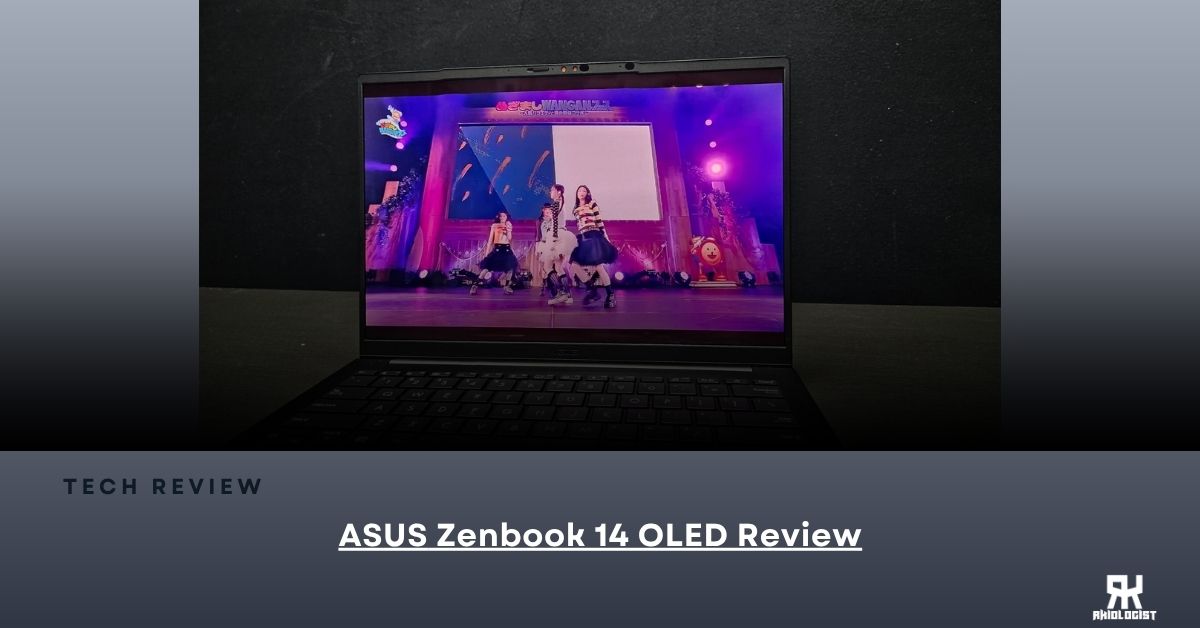
ASUS is continuing to push its Zenbook series as one of its premium thin and light laptops, and this time we have the Zenbook 14 OLED (UM3406GA). This laptop comes with AMD’s latest Ryzen AI processor, a beautiful OLED display, a large battery, and a very lightweight design. It is also a Copilot+ PC, which means ASUS is putting AI features at the center of the experience.
But with all these features packed into such a small laptop, can it actually keep up with everyday use? Whether you’re using it for work, school, content creation, or just entertainment, let’s find out.
Specifications:
| Model | UM3406GA-QD123WSM |
| Color | Jade Black |
| Operating System | Windows 11 Home |
| Processor | AMD Ryzen™ AI 7 445 Processor 2.0GHz (14MB Cache, up to 4.6GHz, 6 cores, 12 Threads); AMD XDNA™ NPU up to 50TOPS |
| Graphics | AMD Radeon™ Graphics |
| Ethernet | 1 x Intel® 2.5Gb Ethernet ASUS LANGuard |
| Display | 14.0-inch, WUXGA (1920 x 1200) OLED 16:10 aspect ratio, 0.2ms response time, 60Hz refresh rate, 400nits, 600nits HDR peak brightness, 100% DCI-P3 color gamut, VESA CERTIFIED Display HDR True Black 600, 1.07 billion colors, 70% less harmful blue light, TÜV Rheinland-certified, SGS Eye Care Display, non-touch screen, 87% screen-to-body ratio |
| Memory | 16GB LPDDR5X on board |
| Storage | 1TB M.2 NVMe™ PCIe® 4.0 SSD |
| Expansion Slots | 1x M.2 2280 PCIe 4.0×4 |
| I/O Ports | 1x USB 4.0 Gen 3 Type-C with support for display / power delivery 1x USB 3.2 Gen 2 Type-C with support for display / power delivery 1x USB 3.2 Gen 1 Type-A 1x HDMI 2.1 TMDS, 1x 3.5mm Combo Audio Jack |
| Keyboard & Touchpad | Backlit Chiclet Keyboard, 1.4mm Key-travel, Precision touchpad, With Copilot key |
| Camera | FHD camera with IR function to support Windows Hello, With privacy shutter |
| Audio | Built-in speaker with Smart Amp Technology Built-in array microphone |
| Network and Communication | Wi-Fi 6E (802.11ax) Triple band 2*2 + Bluetooth 5.4 Wireless Card |
| Battery | 75WHrs, 4S1P, 4-cell Li-ion |
| Power Supply | TYPE-C, 68W AC Adapter |
| Weight | 1.20 kg (2.65 lbs) |
| Dimensions (W x D x H) | 1.24 x |
Closer Look

The box comes in with a simple design with the ASUS Zenbook branding at the front. The packaging keeps things clean and doesn’t really have anything too flashy going on.

Opening the box, you will find the ASUS Zenbook 14 OLED laptop together with the documentation and the power adapter.

The Jade Black finish of the Zenbook 14 gives it a very clean and professional look. It doesn’t have a lot of unnecessary designs on the chassis, which makes it look simple but still premium.

The ASUS Zenbook 14 keeps things simple but classy. It has a very slim and lightweight body that makes it easy to bring anywhere. At only 1.20kg, you won’t really feel that you’re carrying a laptop inside your bag.


And even though it is small and lightweight, ASUS still managed to put a good number of ports into the laptop.
For the ports on the right side, you will find the USB 3.2 Gen 2 Type-C port, USB 4.0 Gen 3 Type-C port, HDMI 2.1 port and the audio combo jack. At the left, you will find the USB 3.2 Gen 1 Type-A port.

The touchpad of the Zenbook 14 is also quite spacious for its size, giving you enough room to navigate around Windows without needing to constantly use a mouse.

The keyboard is a backlit Chiclet keyboard with 1.4mm key travel and also includes a dedicated Copilot key. The keys are properly spaced and comfortable enough for typing documents, emails, or even long articles.

The built-in webcam privacy shutter lets you physically cover the camera when you’re not using it. A simple but smart feature that gives you more privacy. The FHD IR camera also allows you to easily login through Windows Hello.
The 14-inch OLED display is probably one of the biggest highlights of the Zenbook 14. It has a WUXGA resolution of 1920 x 1200 and uses a 16:10 aspect ratio. The OLED panel also gives you 100% DCI-P3 color coverage, 600nits HDR peak brightness and a very fast 0.2ms response time.
The display is only 60Hz, so don’t expect the same smoothness that you get from a 120Hz or higher gaming laptop. But for work, watching movies, editing photos, and everyday use, the OLED display looks really good.
AI LAPTOP

ASUS is putting AI front and center with the Zenbook 14, and it is not just for show. The Ryzen AI 7 445 comes with an AMD XDNA NPU capable of up to 50 TOPS, which gives the laptop dedicated hardware for AI workloads.
The Zenbook 14 also comes with a dedicated Copilot key, so you can quickly access Microsoft’s Copilot whenever you need an AI assistant. It’s a small addition, but it can be useful if you regularly use AI tools while working.
Benchmarks
For benchmarking, I will use Cinebench 2024, 3DMARK Time Spy, and HWiNFO64.
Results


Conclusion

When it comes to everyday productivity laptops, the ASUS Zenbook 14 OLED is definitely worth checking out. From the moment you see the laptop, you can already tell that this one was built for people who are always on the move. It is lightweight and thin, making it very easy to put inside a backpack and bring anywhere. ASUS really nailed the portability aspect here.
Under the hood, you’re getting 16GB of LPDDR5X RAM and 1TB of storage, which is more than enough for most daily workloads. Whether that’s multitasking with browser tabs, editing documents, watching videos, or even doing some light photo and video editing, the laptop has enough performance to handle these tasks.

Visually, the 14-inch OLED display is one of the best parts of this laptop. The aspect ratio gives you more vertical space, while the OLED panel make colors look vibrant and blacks look much deeper. It’s great for watching movies, working on documents, browsing the internet, or even doing some photo editing.
The keyboard is also comfortable to use. The keys are well spaced, and the key travel gives you enough feedback when typing. This is especially useful if you’re someone who spends several hours writing documents or working on a laptop every day.
But of course, it is not perfect. The 16GB LPDDR5X memory is soldered, meaning you are stuck with what you get out of the box. So, if you’re planning to keep this for years and eventually need more memory, that could be a downside.

Overall, the ASUS Zenbook 14 OLED is a good productivity laptop that gives you a lot. For students, it’s a solid pick. It has enough performance for schoolwork, a good display for entertainment, a comfortable keyboard, and it is light enough to bring anywhere without feeling like a burden.
For professionals and people who are always travelling, the lightweight 1.2kg design is probably one of its biggest advantages. You get a full Windows laptop without having to carry something heavy all day.
Sure, there are a few things to take note of. The RAM is soldered, the display is only 60Hz, and the integrated Radeon graphics are not designed for heavy gaming or demanding GPU workloads. But honestly, if you’re using this for school, work, streaming, browsing, meetings, or basic content creation, the specifications are more than enough out of the box.
At the end of the day, the ASUS Zenbook 14 OLED is a premium-looking laptop that focuses on portability, battery life, display quality, and everyday performance.
You can buy the ASUS Zenbook 14 OLED AI Laptop starting at P79,995 or $1,294.00 at your nearest ASUS affiliated Online and Physical Stores.
With that, the ASUS Zenbook 14 OLED will receive the Recommended Award.

PROS:
- Lightweight & Thin
- Already 16GB DRAM
- Large 75Wh Battery
- FHD IR Webcam with Privacy Shutter
- Dedicated AI Processing thanks to AMD’s NPU
- Premium and Professional Design
CONS:
- Soldered DDR5 DRAM
- Only 60Hz Display
- Limited upgradeability

Leave a Reply